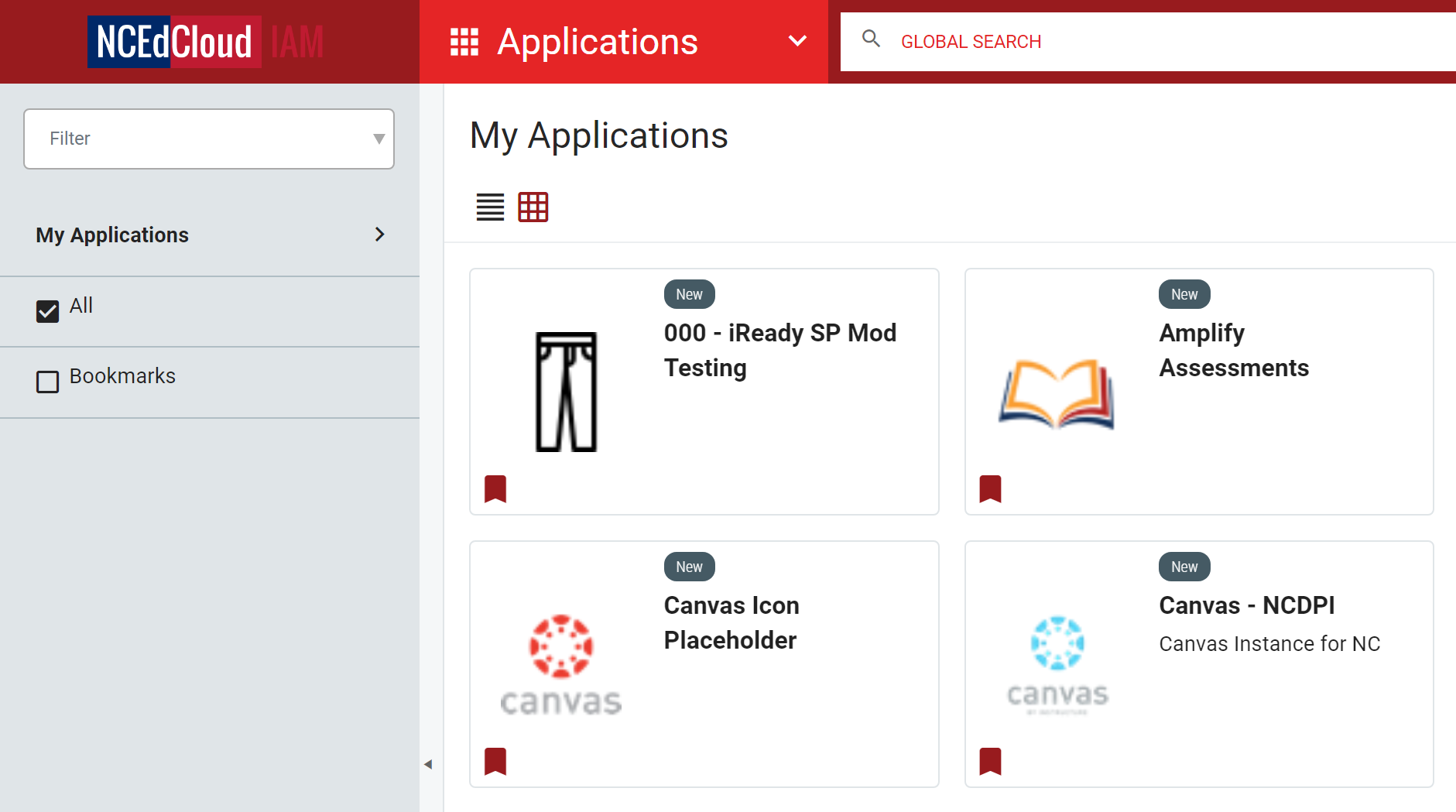
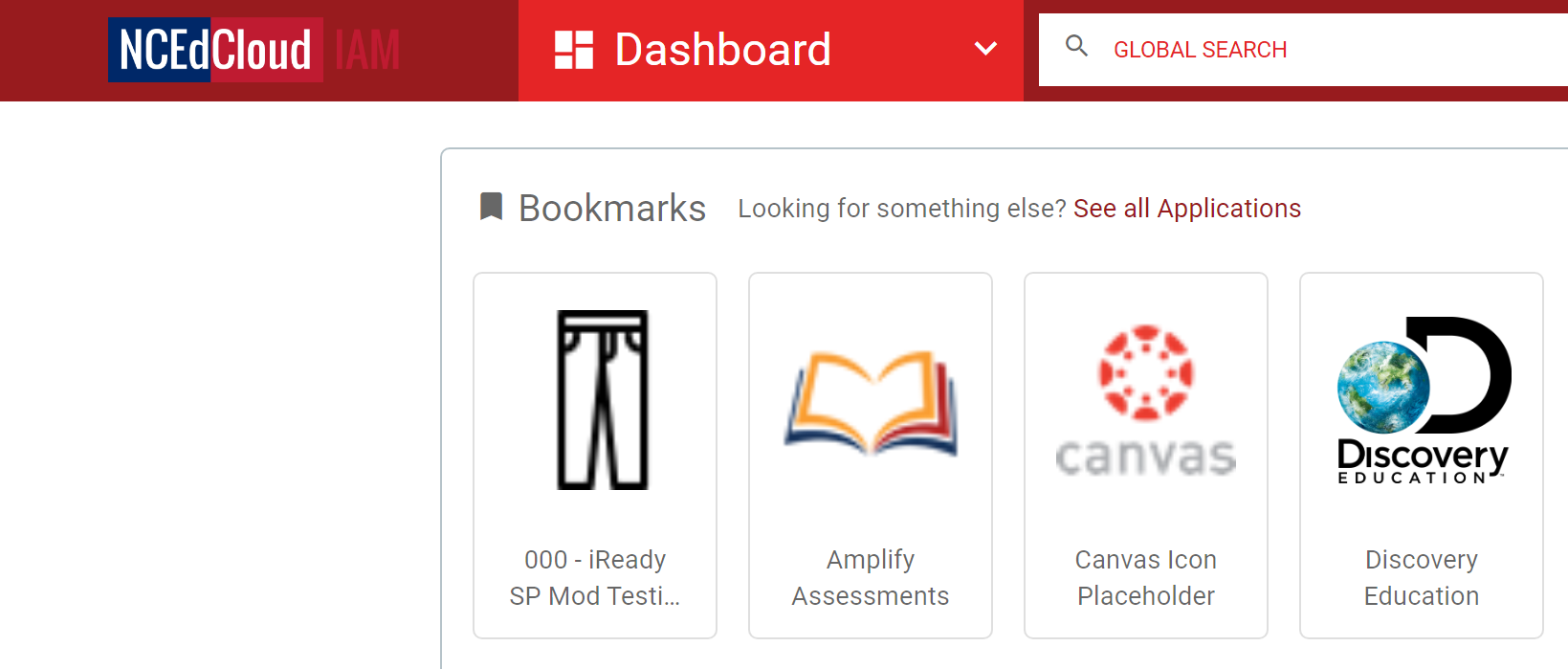
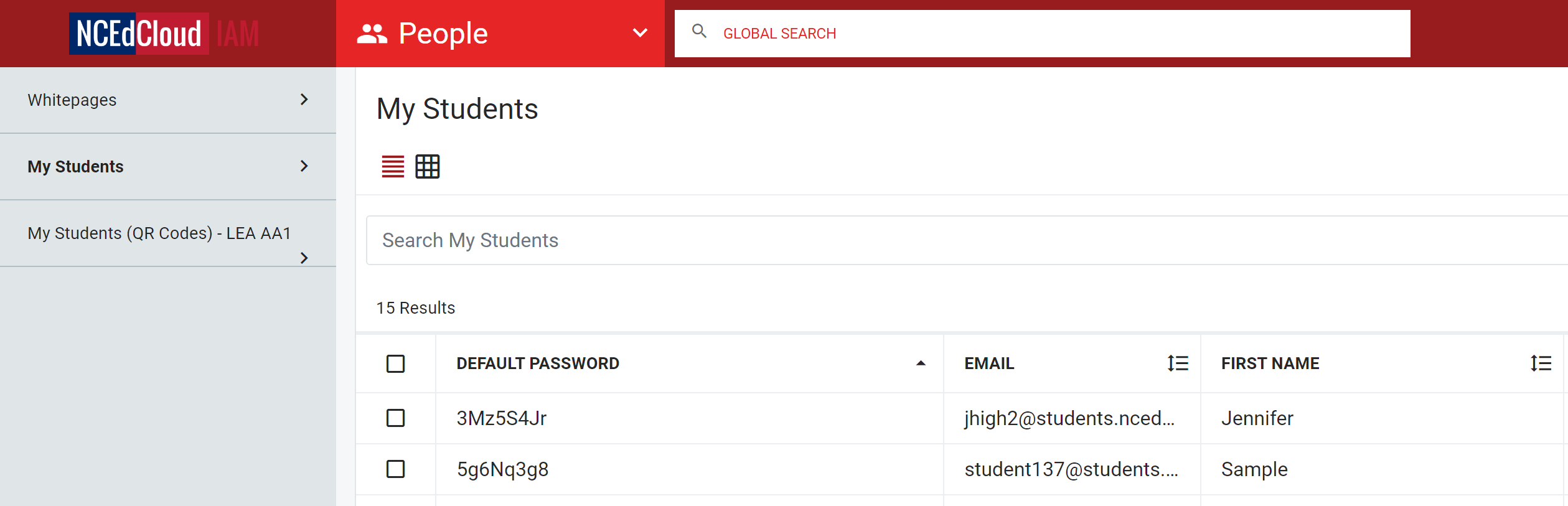
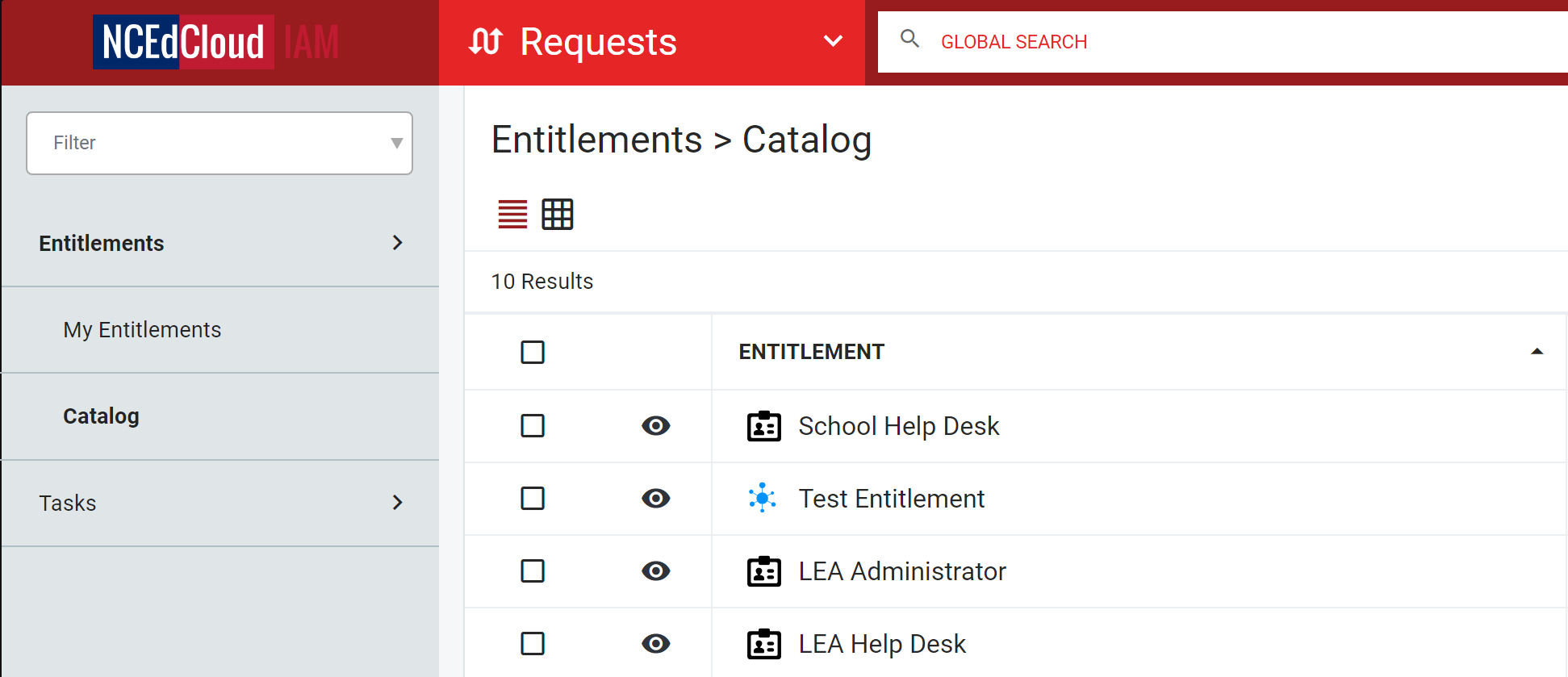
This video demonstrates the actions that can be performed by a teacher within the NCEdCloud IAM service. (Depending on your role, the tab names and available actions shown in the video may be different from what you see.)
Note: The Pictograph and QR code actions featured in this video will only be available if the user being managed is from a PSU that has opted-in to these features. Remember that the QR badge will need to be re-printed if a student's password is changed.
See the following link for more information on QR codes: NCEdCloud Badges and Logins for PK-5 Students
Videos & Documentation related to this training:
What can I do as a staff user in NCEdCloud?
How do I change someone's password?
Available modules:
|
|
|
|